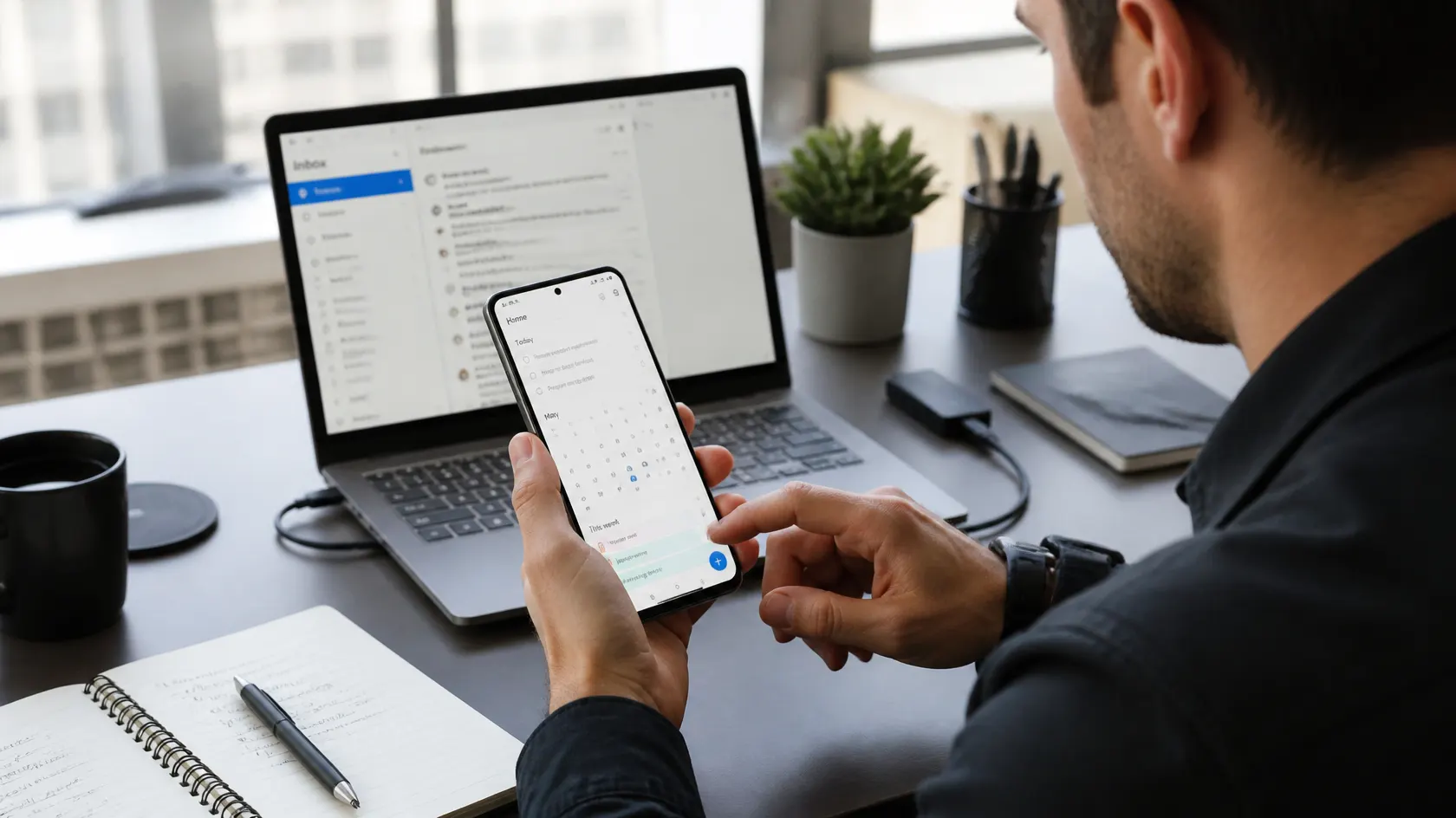
Managing daily activities can become challenging when people have multiple responsibilities, deadlines, and appointments. From students handling assignments to employees managing work schedules, staying organized requires simple and reliable tools that support everyday routines.
Android Productivity Apps help users manage their time, organize important tasks, and complete daily responsibilities more efficiently. With various applications available, Android users can choose digital tools that match their personal needs and working habits.
Understanding Android Productivity Apps
Smartphones have become an important part of modern daily life. Many people use them not only for communication and entertainment but also to organize schedules, record important information, and manage work activities. Digital Tools Simplify Everyday Activities by making common responsibilities easier to handle through a single device.
Productivity applications provide practical solutions for people who want to manage their time and responsibilities. Instead of relying entirely on paper notes or remembering every appointment, users can access digital tools whenever they need them.
How Productivity Apps Support Daily Activities
People often manage several activities throughout the day, including attending classes, completing assignments, working, and handling personal responsibilities. Productivity applications help organize these activities by providing digital calendars, notes, reminders, and task lists.
These tools make daily routines easier to follow because important information can be accessed directly from a smartphone.
Choosing Apps Based on Personal Needs
Not everyone requires the same productivity features. Students may need applications for organizing assignments, while office workers might prefer tools for managing meetings and sharing documents.
Choosing applications based on personal requirements helps users avoid unnecessary features and maintain a more organized digital workspace.
Key Features for Better Task Organization
Useful productivity applications commonly include task lists, notification reminders, calendar integration, and cloud synchronization. These features allow users to record responsibilities, monitor upcoming deadlines, and access information across supported devices.
Simple navigation and reliable performance are also important because applications should make everyday activities easier rather than create additional complications.
Managing Daily Tasks and Schedules
Organizing time is an important part of maintaining productivity. Many people balance professional responsibilities, educational activities, and personal commitments within limited hours. Digital planning tools help users arrange these activities and understand which responsibilities require immediate attention.
Organizing Tasks With Digital Planners
Digital planners allow users to create schedules, record assignments, and organize activities according to specific dates. People can separate personal responsibilities from professional tasks, making their daily plans easier to understand.
Some applications also provide calendar views that help users identify busy periods and prepare for upcoming activities.
Setting Reminders and Managing Appointments
Forgetting appointments or important deadlines can interrupt daily routines. Reminder applications help users remember meetings, scheduled activities, bill payments, and other responsibilities through automatic notifications.
Users can set specific dates and times for reminders, reducing the need to remember every commitment themselves.
Tracking Progress and Daily Priorities
Tracking completed activities helps users understand how effectively they manage their time. Some productivity applications provide progress indicators, completed task lists, and daily summaries.
These features encourage users to focus on important responsibilities while identifying unfinished activities that need additional attention.
Improving Work Efficiency With Android Apps
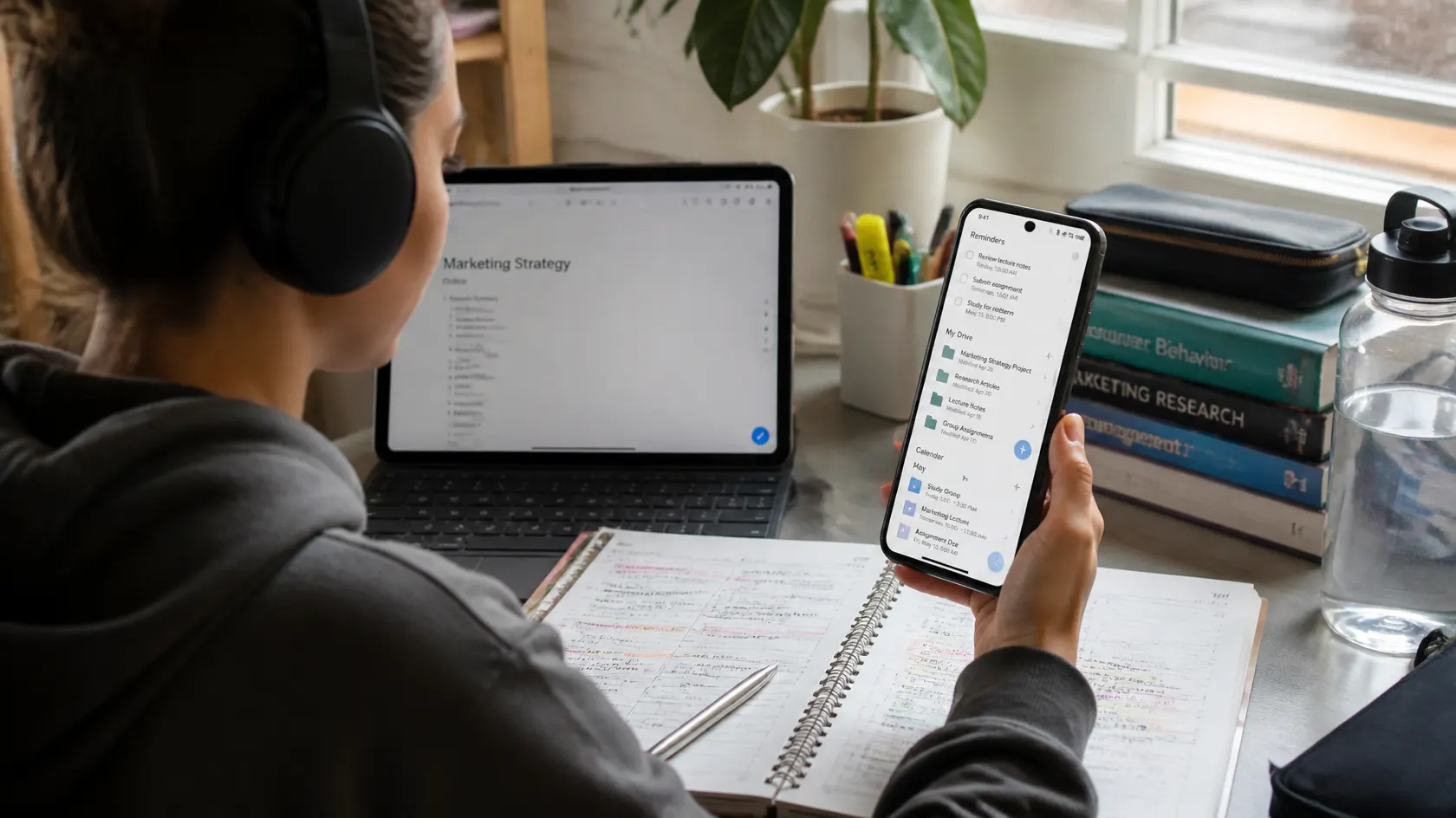
Work efficiency depends on how effectively people organize information, communicate, and complete responsibilities. Android applications support these activities by providing convenient access to digital documents, task management tools, and communication platforms.
Managing Documents and Digital Files
Digital document applications help users create, edit, store, and share files directly from their smartphones. Employees and students can access presentations, spreadsheets, and PDF documents without always depending on a computer.
Cloud storage services also make it easier to organize important files and access them across compatible devices.
Using Task Management Applications
Task Management Applications help individuals and teams organize responsibilities, assign activities, and monitor work progress. Users can create task lists, establish deadlines, and categorize projects according to their priorities.
These applications are particularly useful for people handling multiple projects because they provide a clearer overview of ongoing and completed work.
Collaborating Through Communication Apps
Communication applications make collaboration easier by allowing people to exchange messages, share files, and participate in online meetings. Teams can discuss project updates, coordinate responsibilities, and provide feedback without always meeting in person.
These tools support remote work and help individuals stay connected when working from different locations.
Start Improving Your Daily Productivity With Android Apps
Building better daily habits does not always require complicated changes. Choosing suitable Android applications can help users organize schedules, manage documents, track responsibilities, and communicate more effectively.
Start by identifying your most frequent activities and selecting applications that address those needs. With consistent use, the right productivity tools can make everyday responsibilities easier to manage and support a more organized lifestyle.